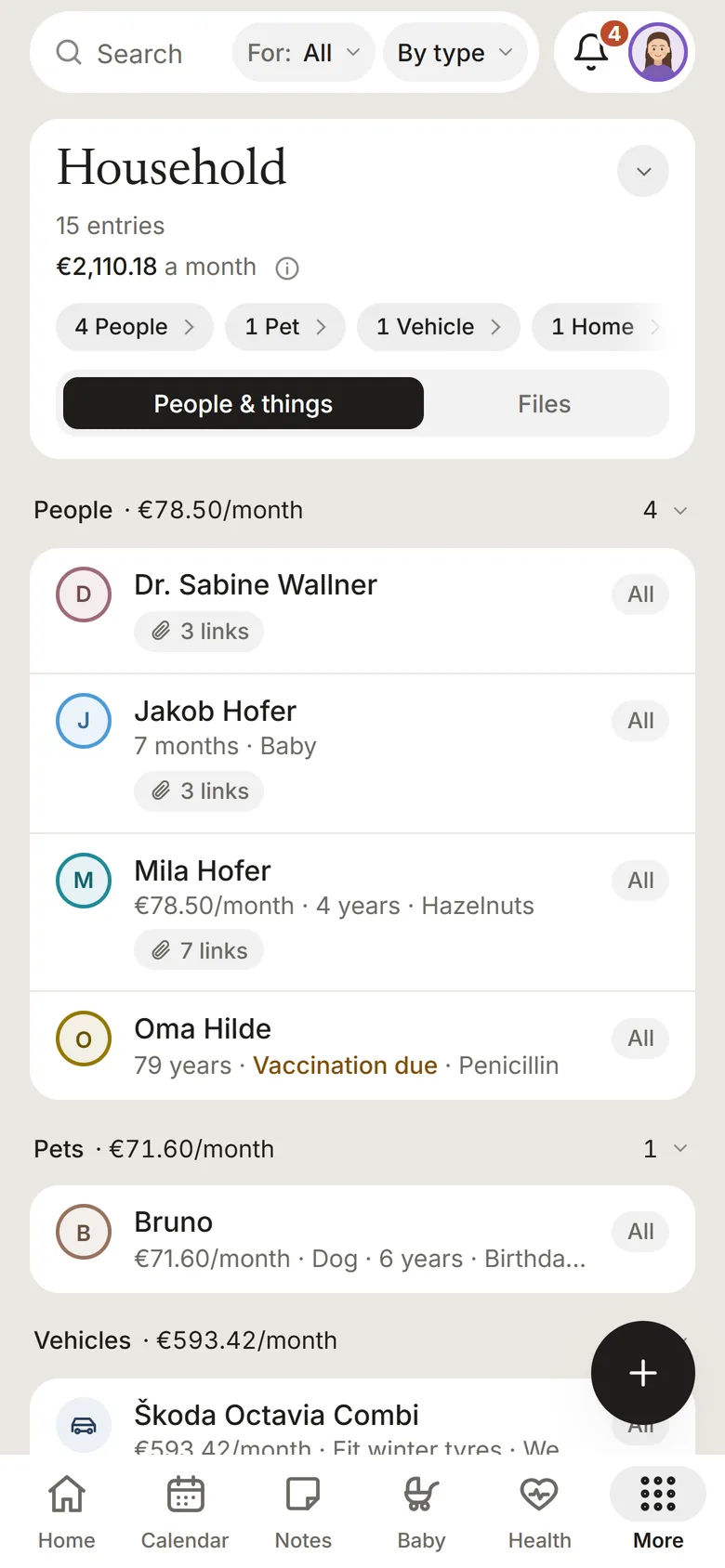
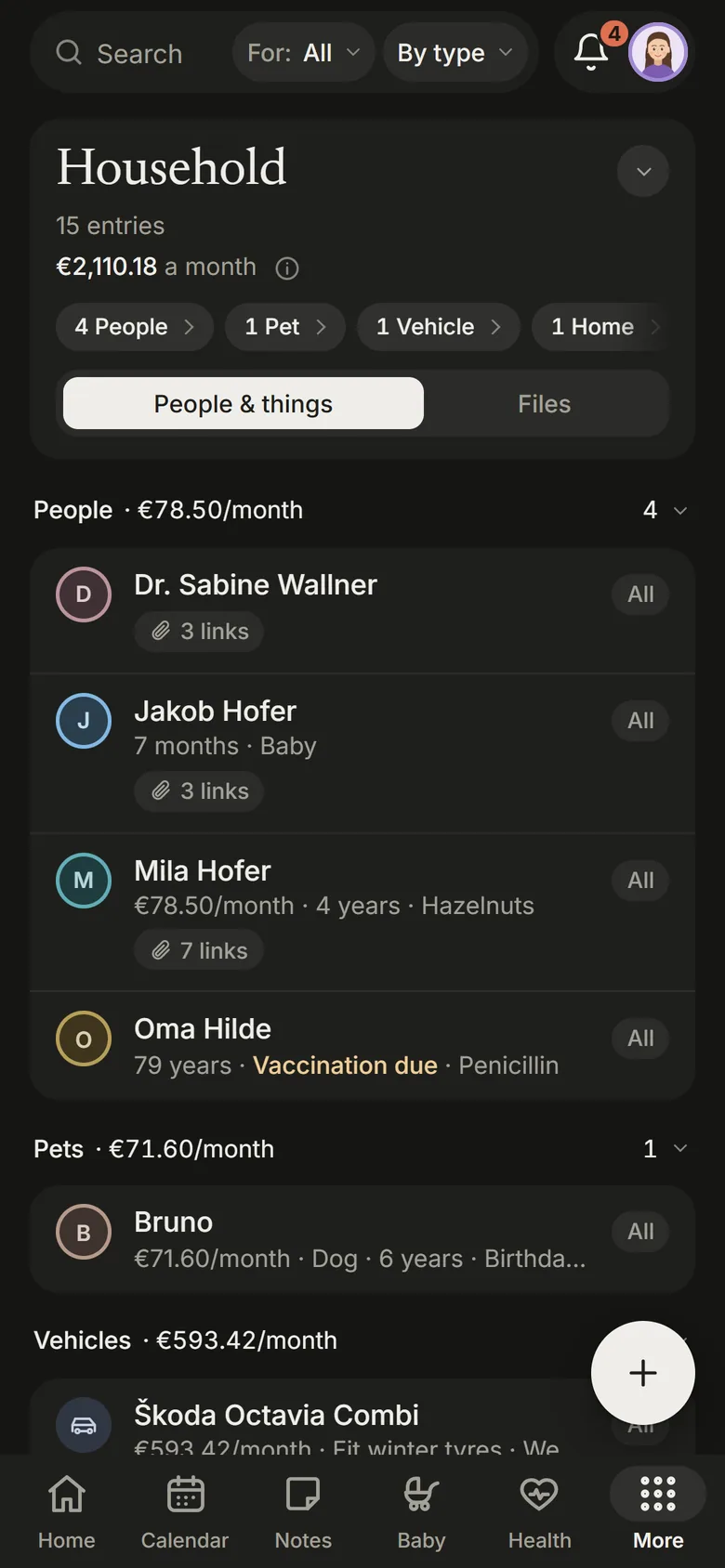
Škoda Octavia CombiCar · W-482 HK · winter and summer tyres
Number plate, inspection month, insurance. That’s all it takes.
The household app for couples and families · from Vienna
Appointments, shopping, recipes, children, health, money, travel and passwords in one app where everything knows about everything else. Every entry private or shared.
Already invited? Just open the link from your message.
The in-between
The problem isn’t any one of the apps. It’s the in-between: none of them knows the others, and in the end one person still has to hold it all together.
The only thing everyone trusts is the note on the fridge. josephine is that note, except it thinks ahead.
How it connects
Nine areas know about each other. What you enter in one place shows up everywhere it’s needed, without anyone typing it twice.
Number plate, inspection month, insurance. That’s all it takes.
Then “Plan cooking”: the day, who’s eating, who’s cooking.
Renewal day and notice period. The app works out the rest.
A name, a date, who’s coming along.
Nine modules, one app
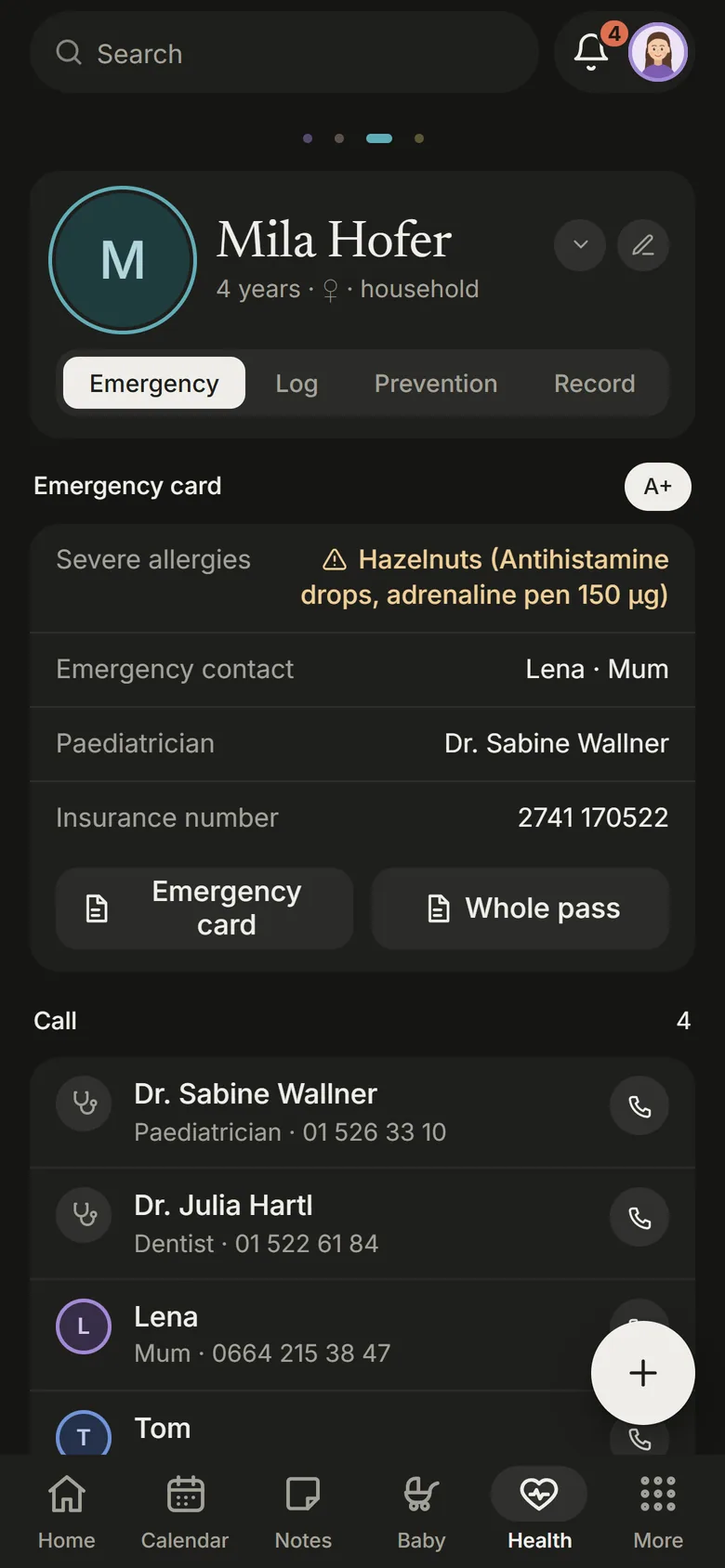
Every household gets every module. Pick one and see the real screen from our example household.
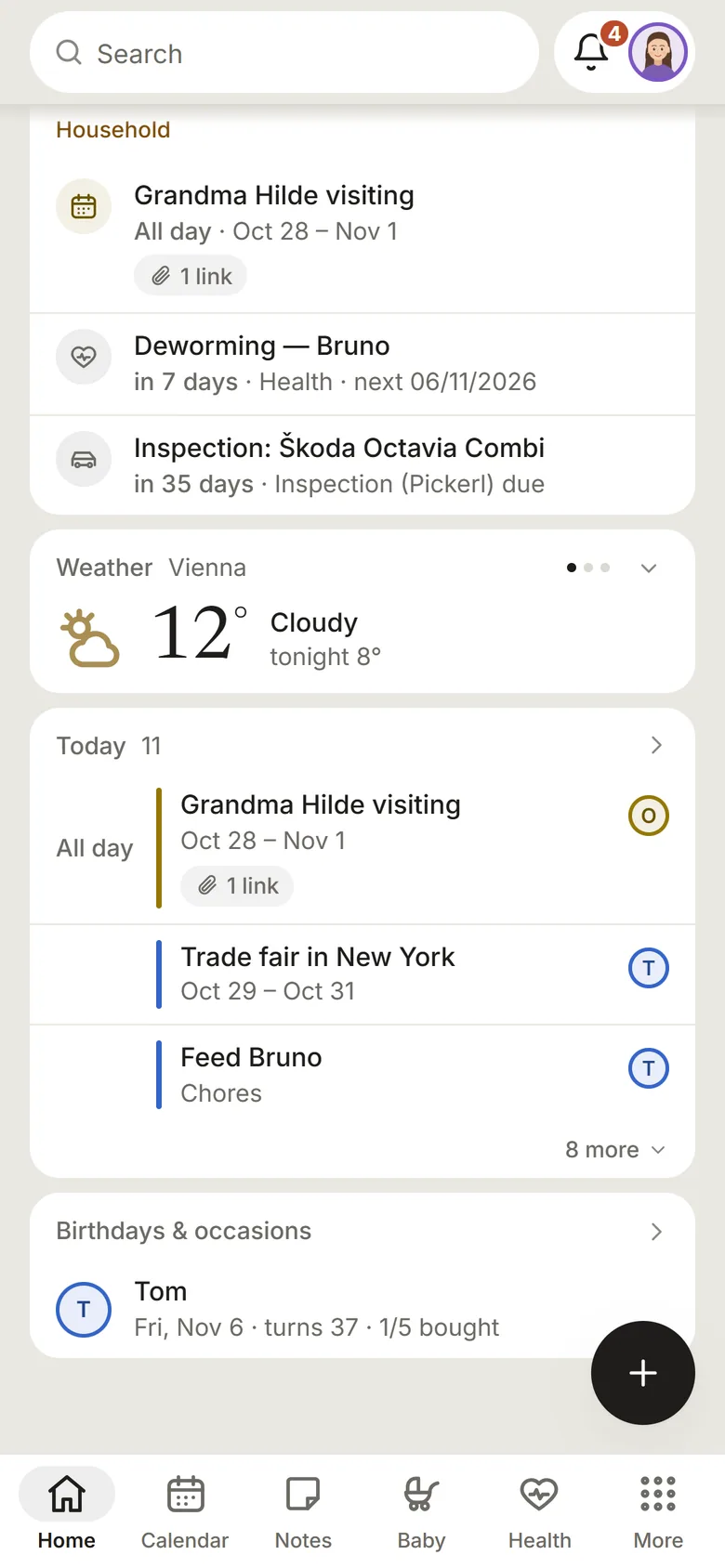
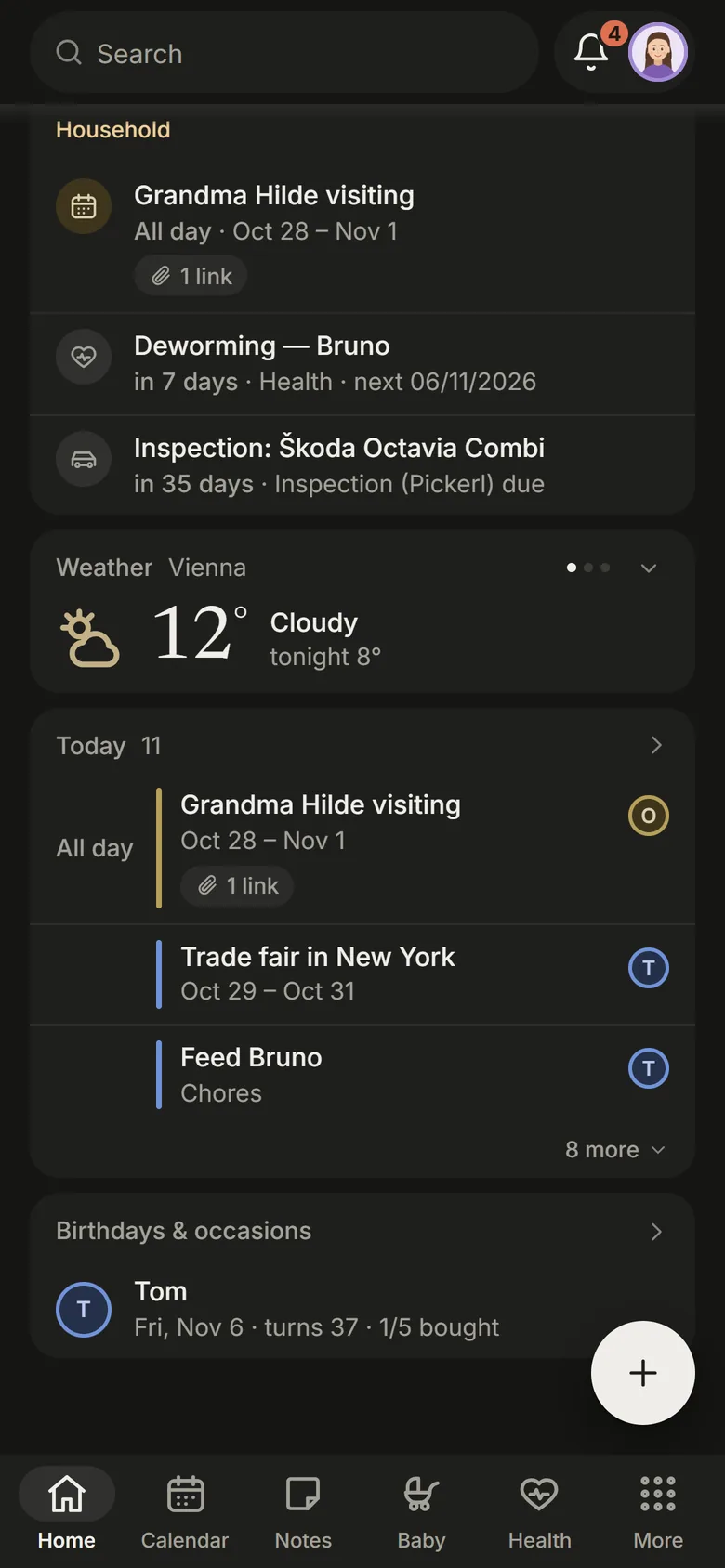
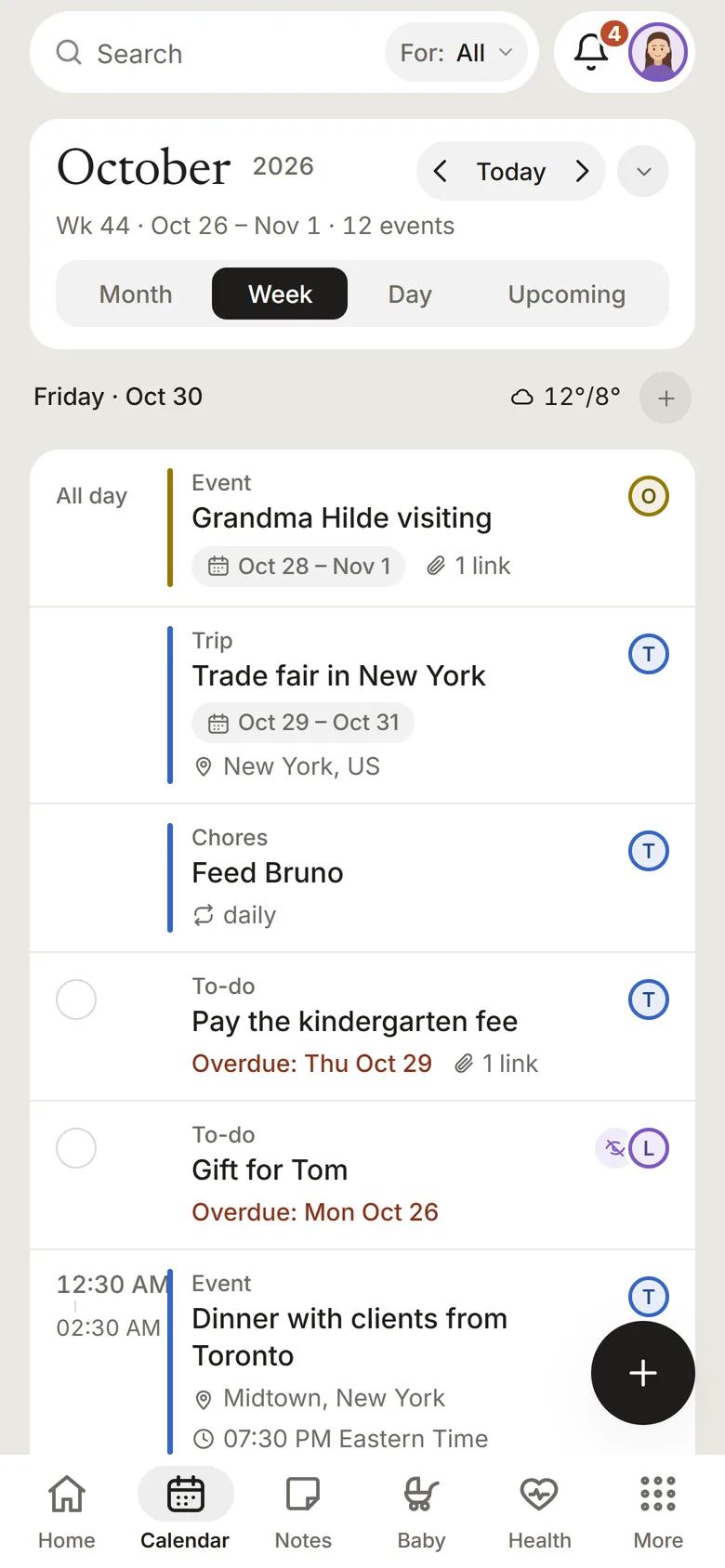
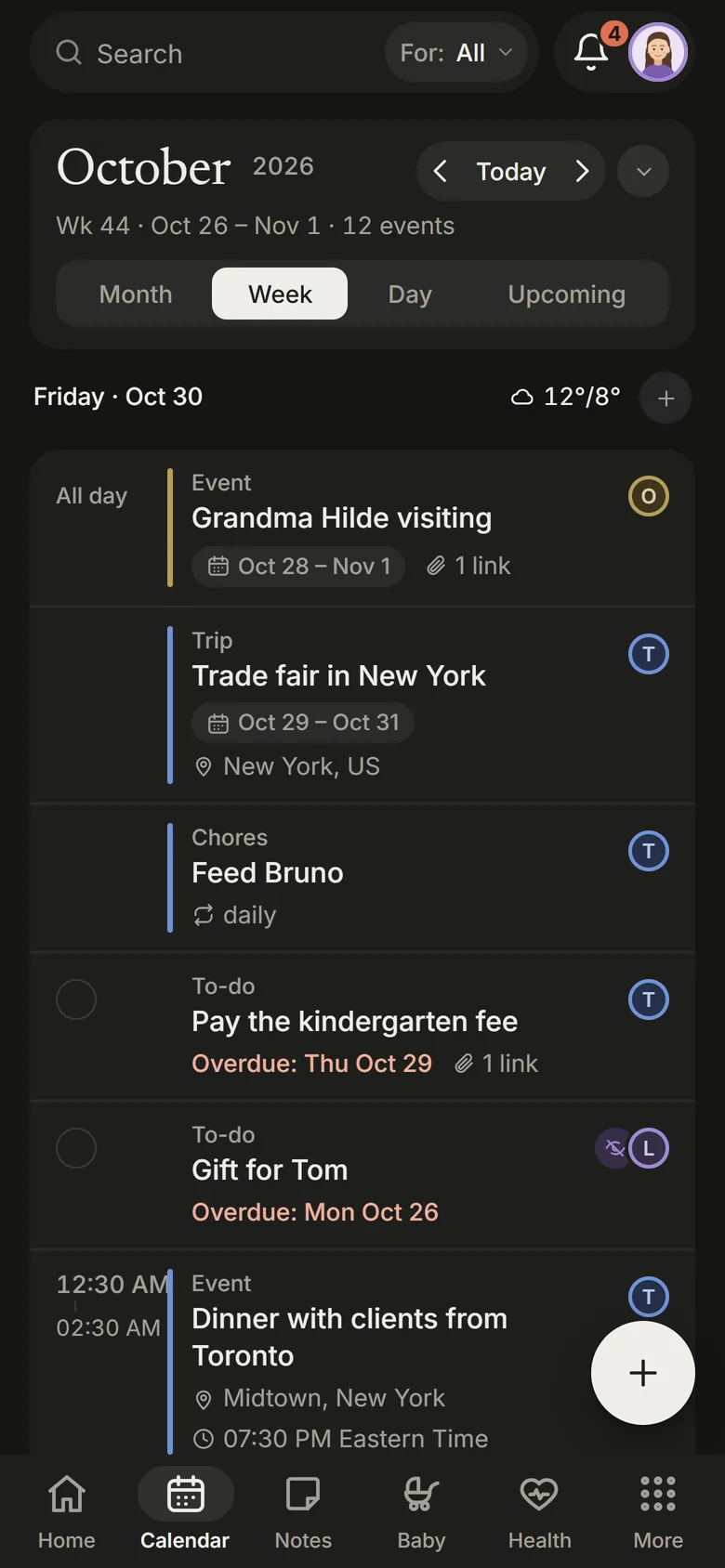
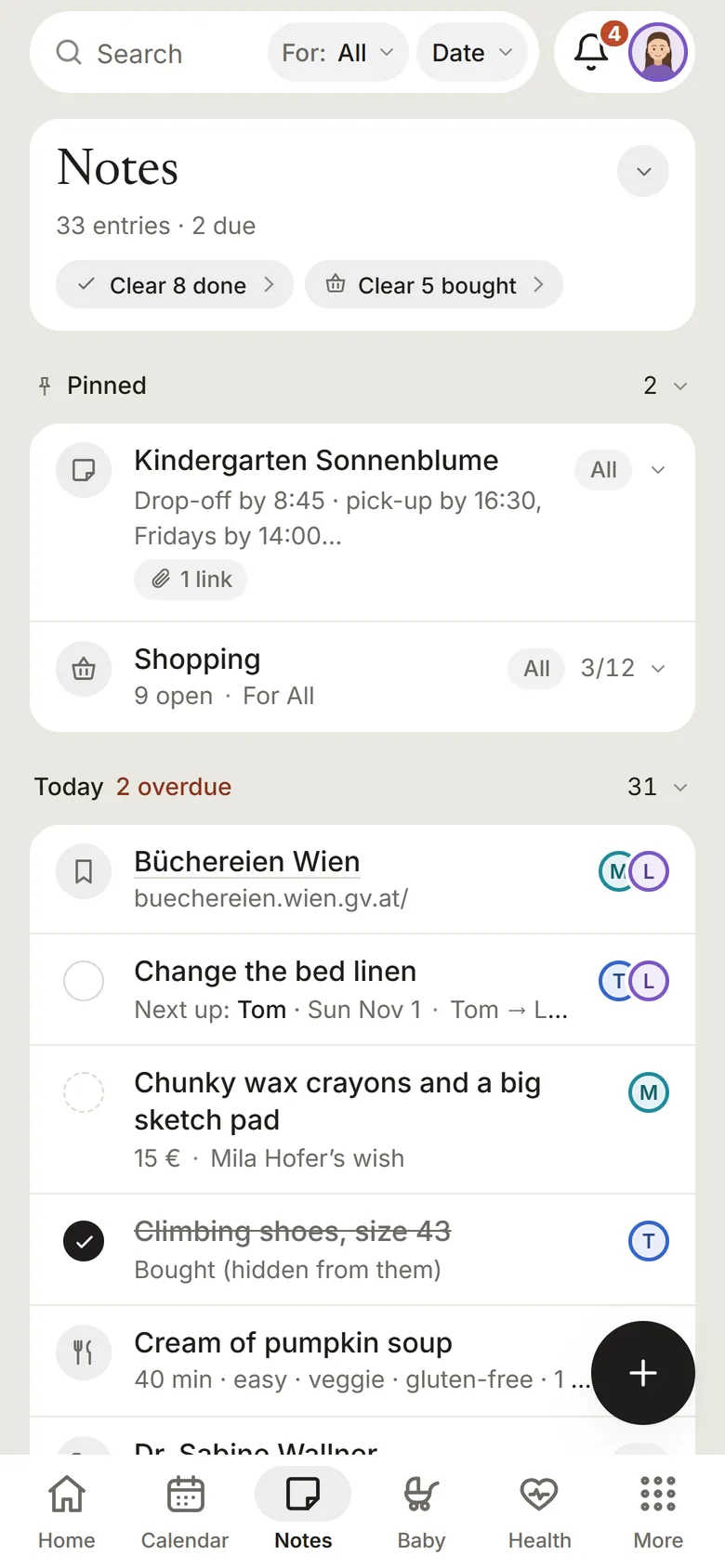
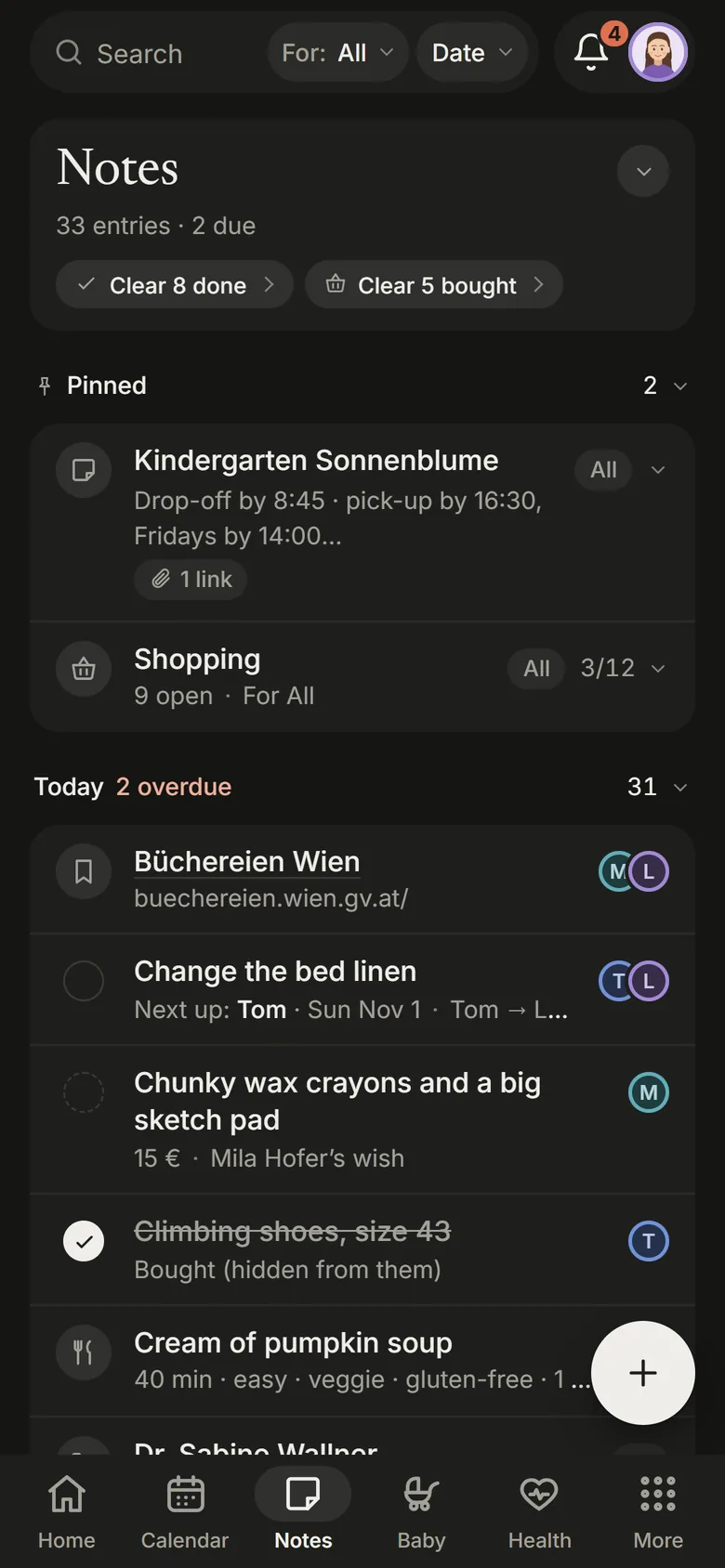
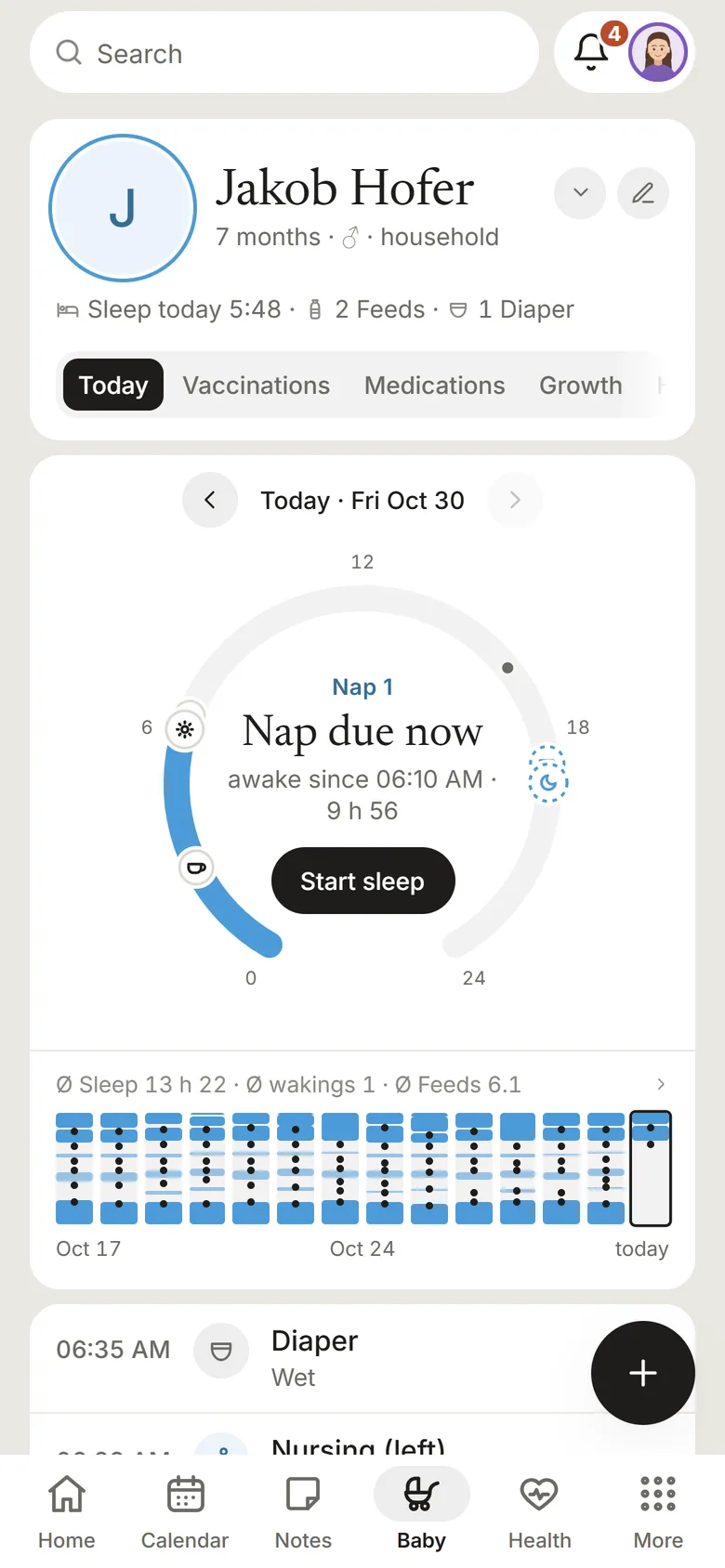
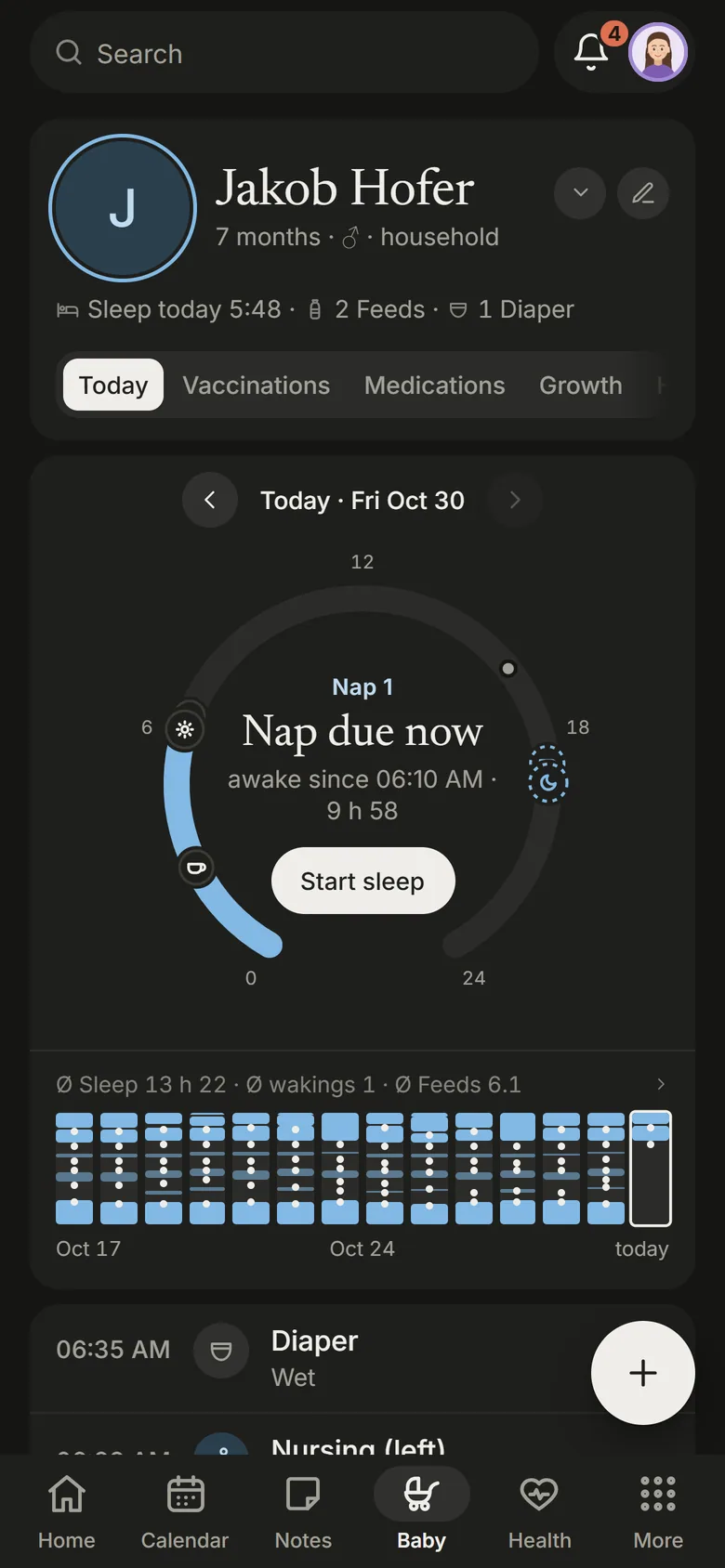
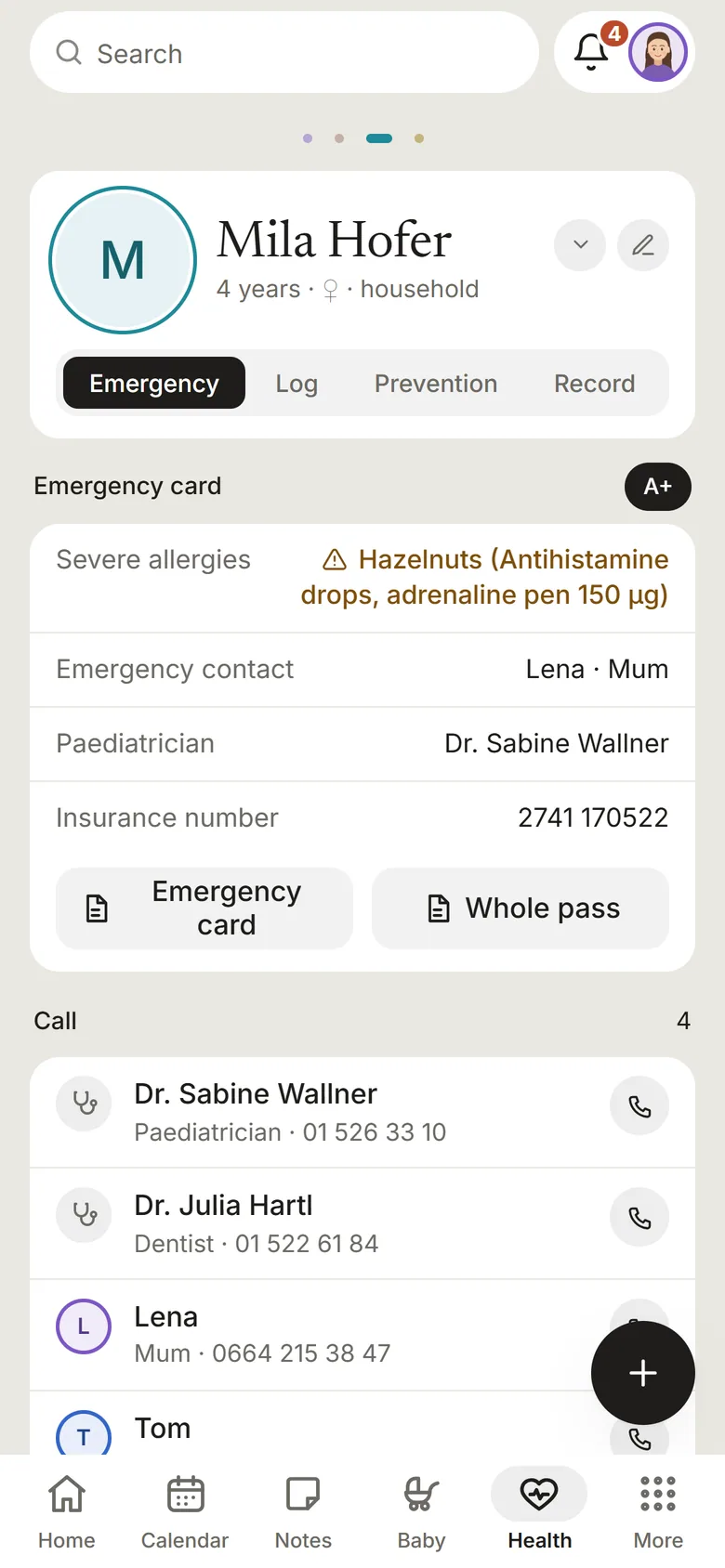
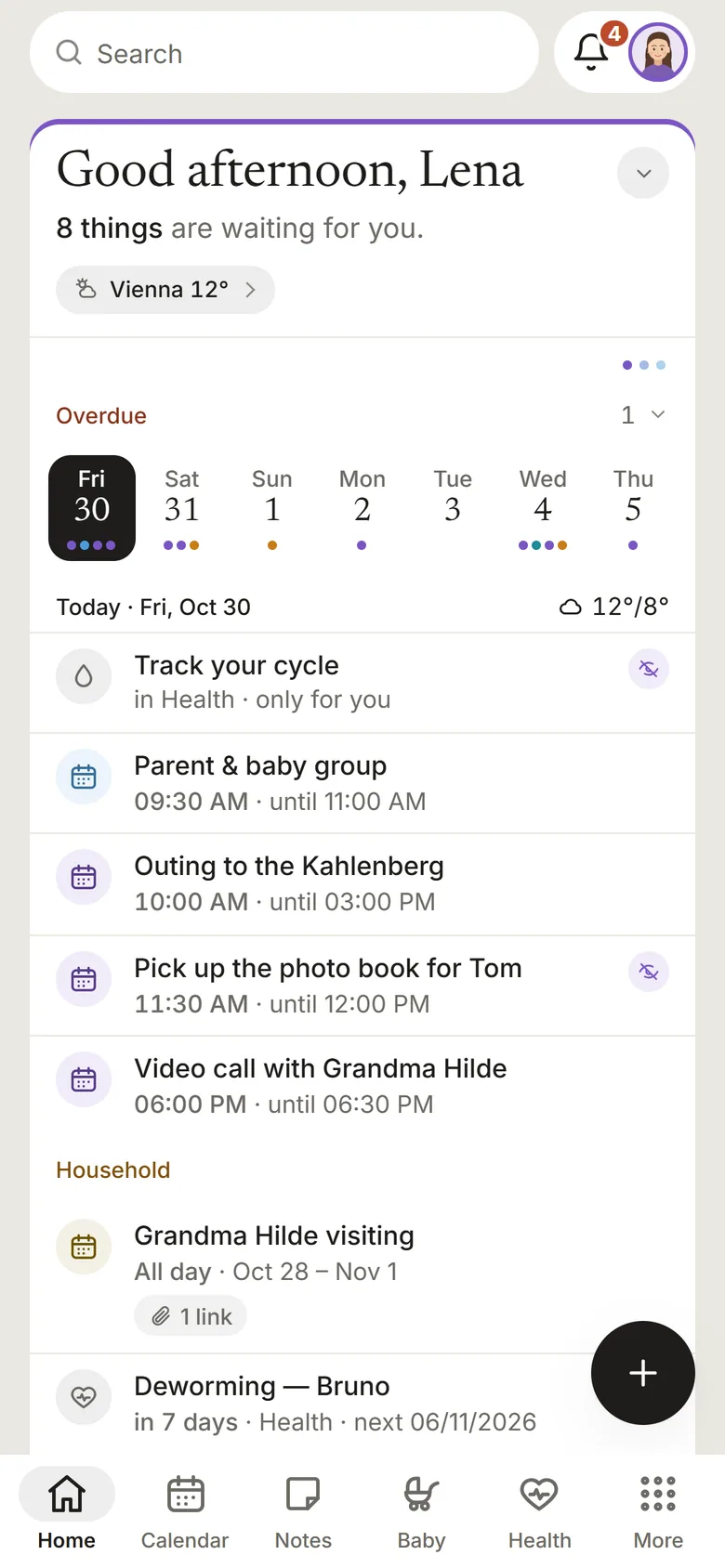
Cycle. One button for start and end, the next period estimated from the last six cycles, your own reminders. Nobody in the household sees it.
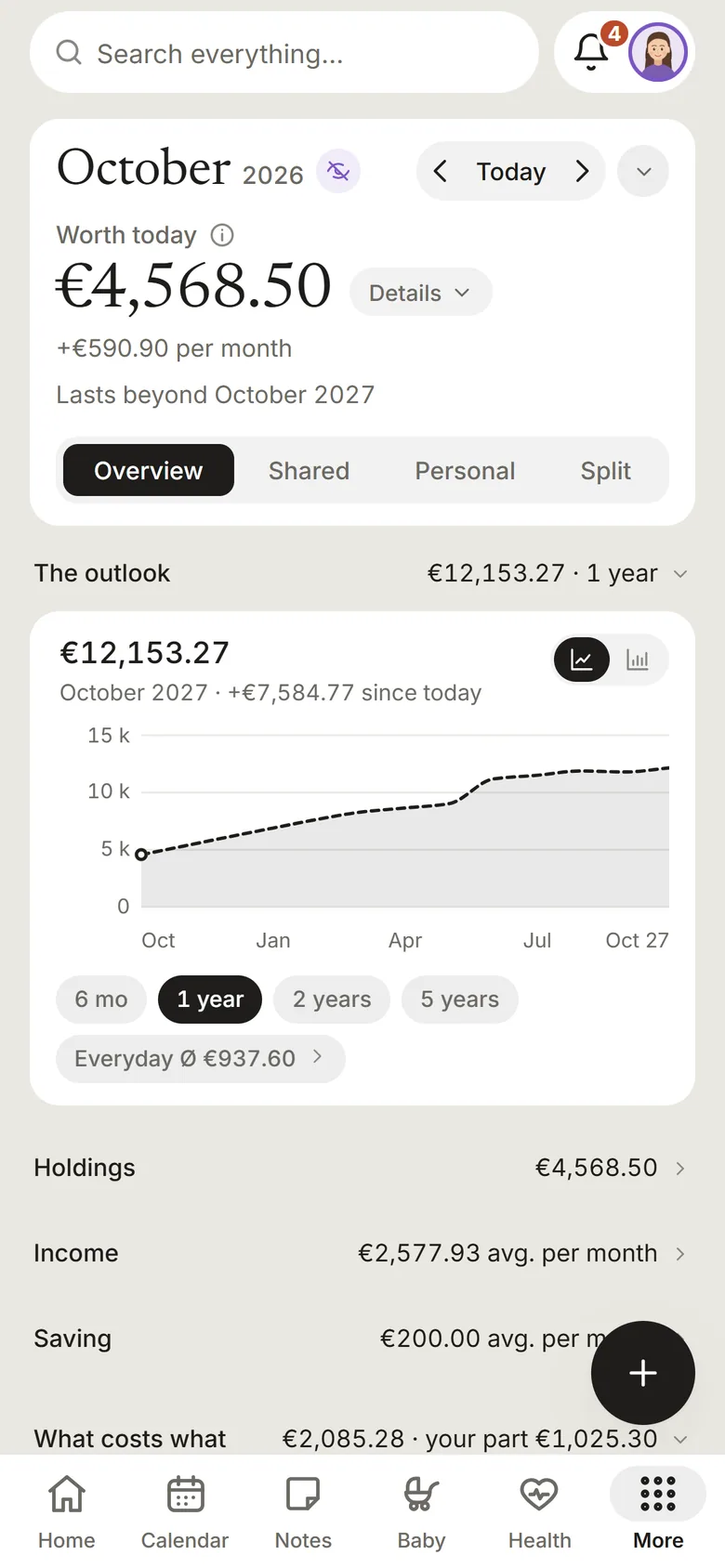
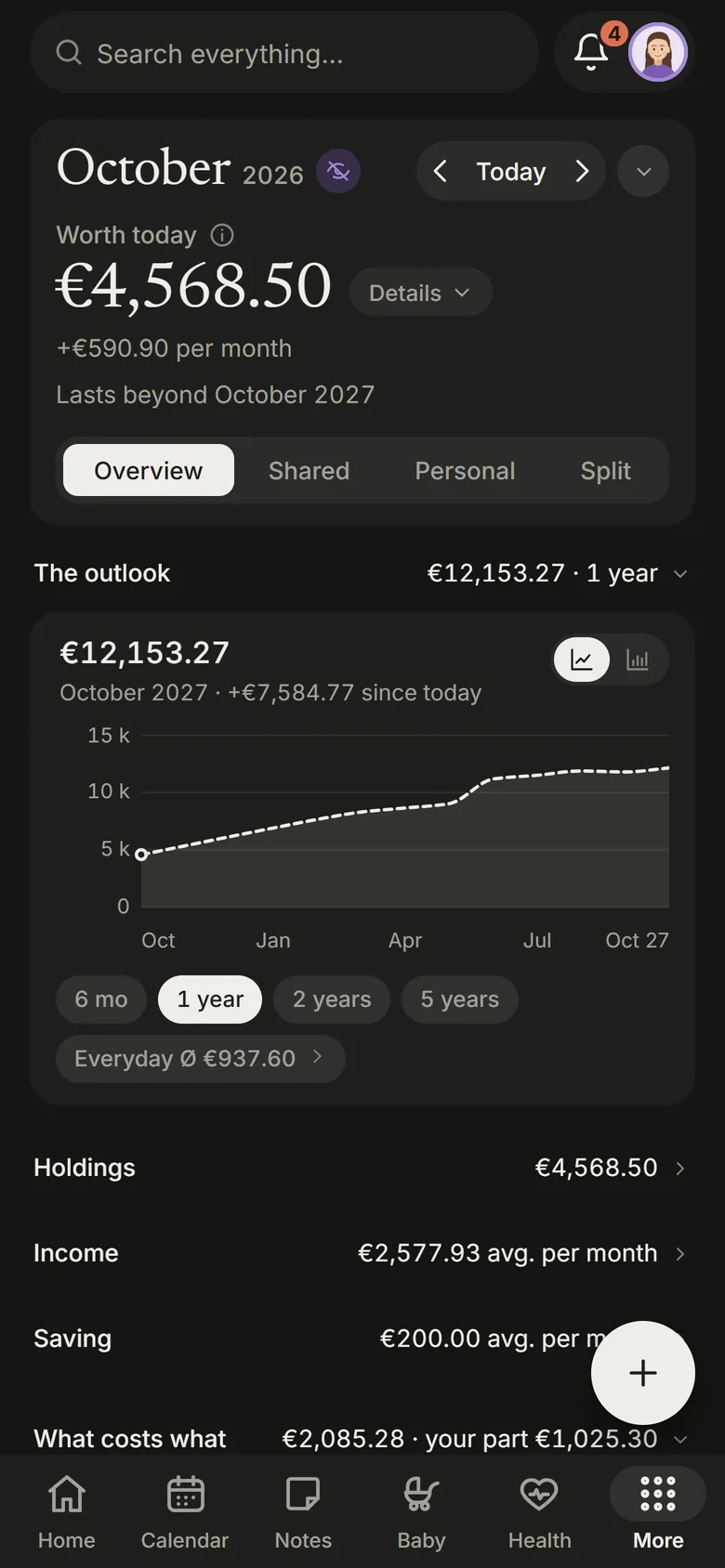
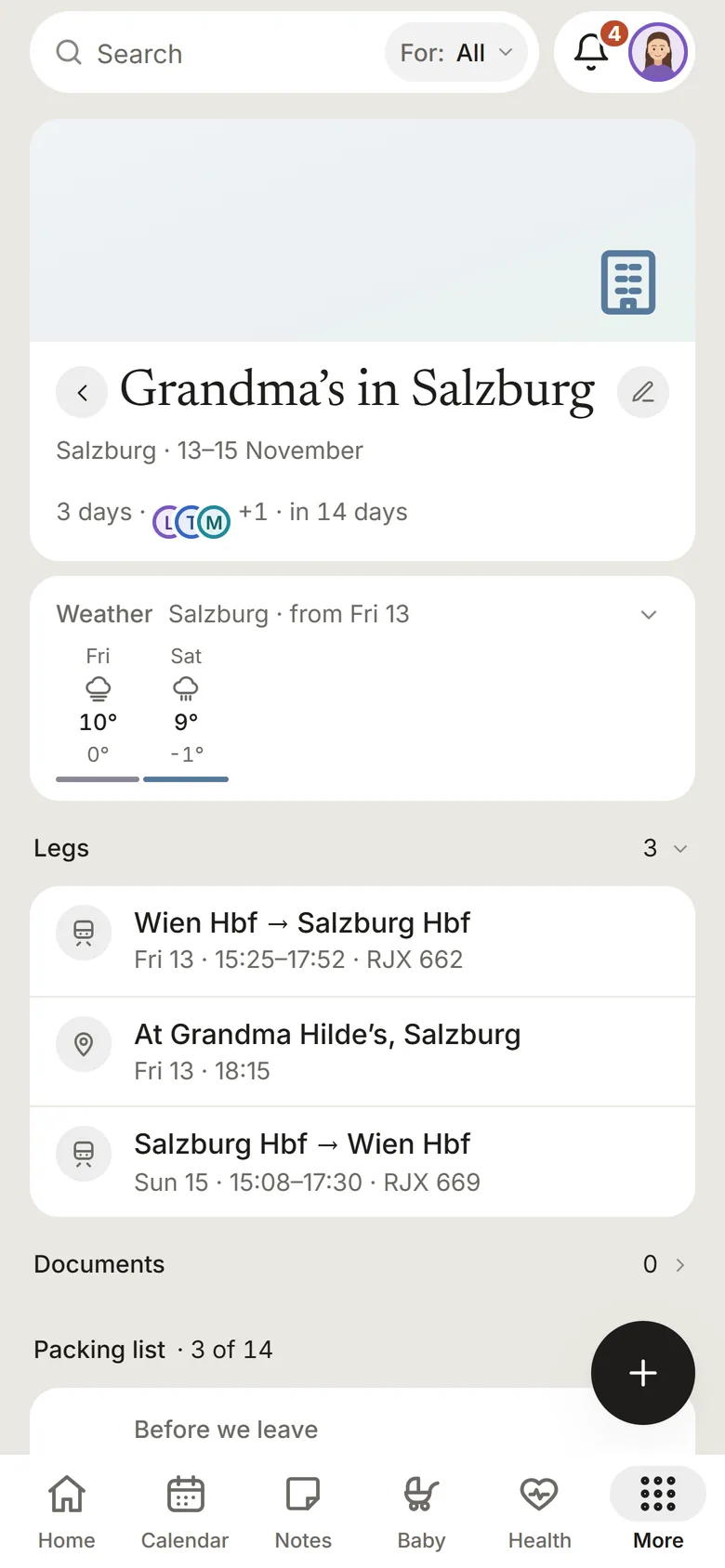
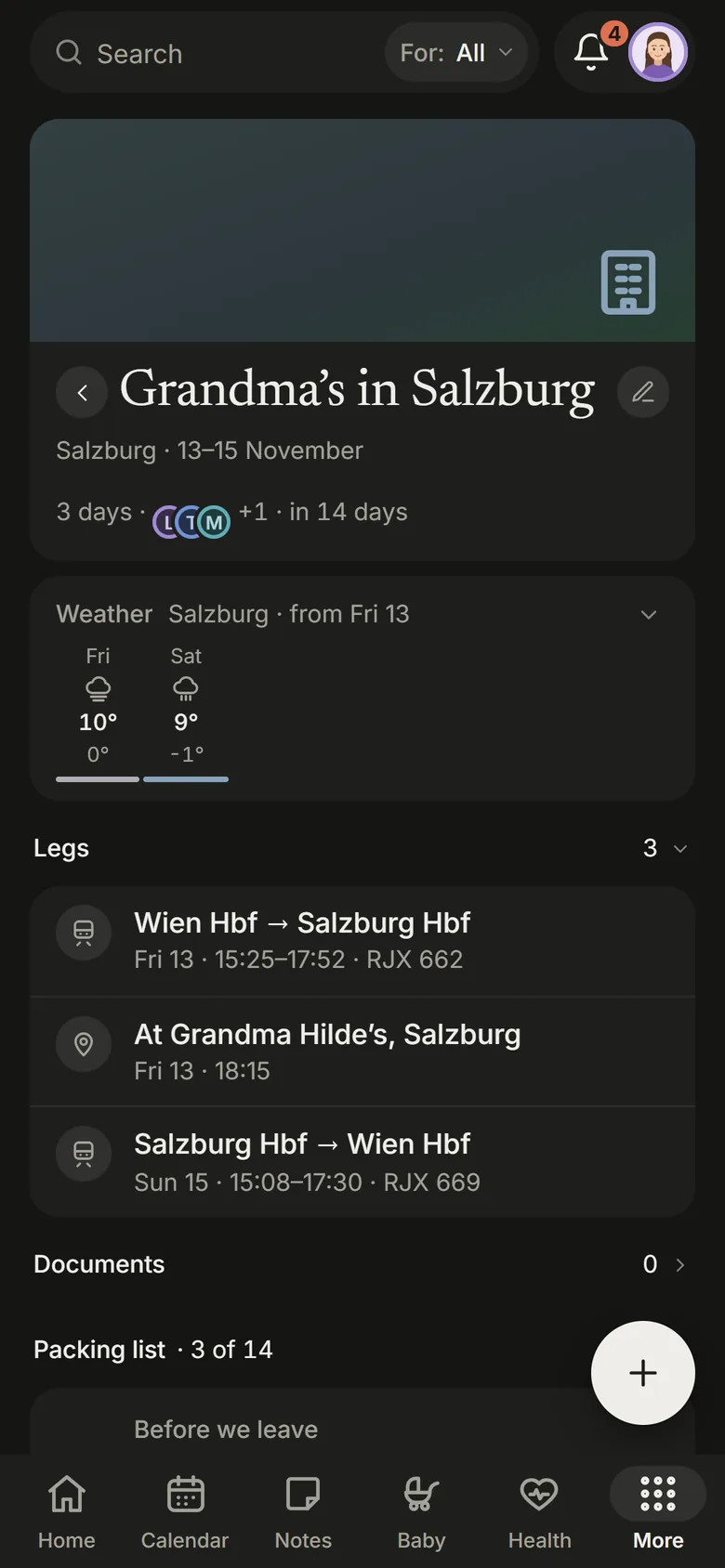
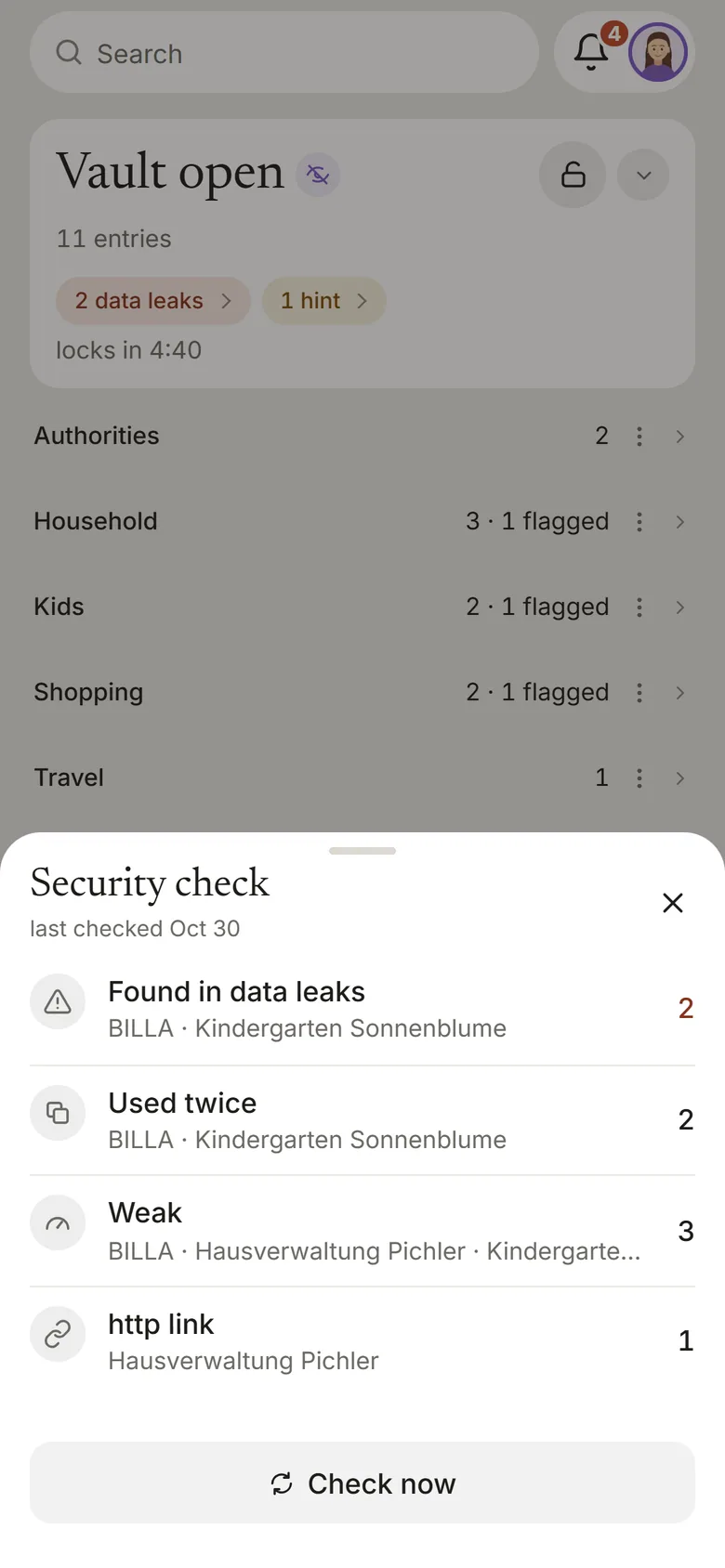
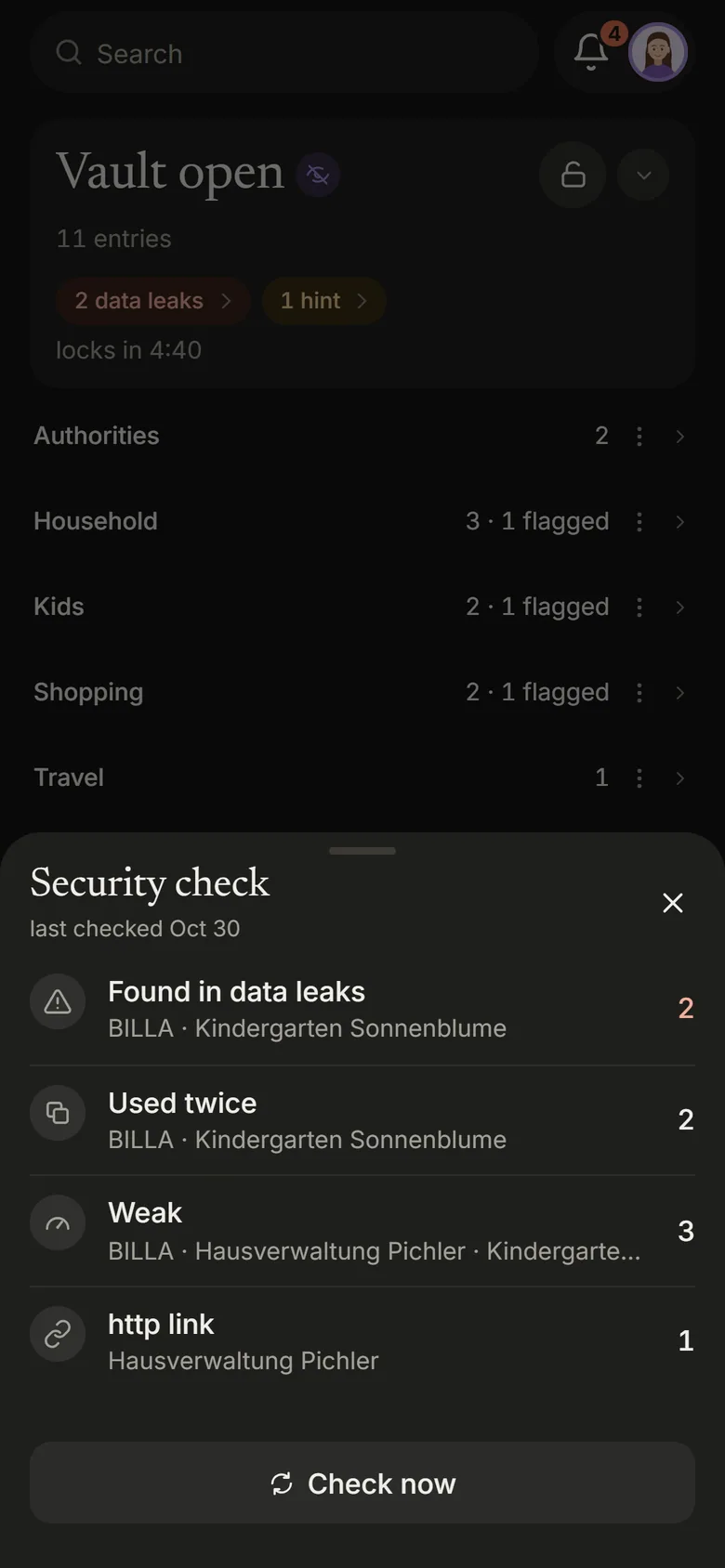
A week with the Hofers
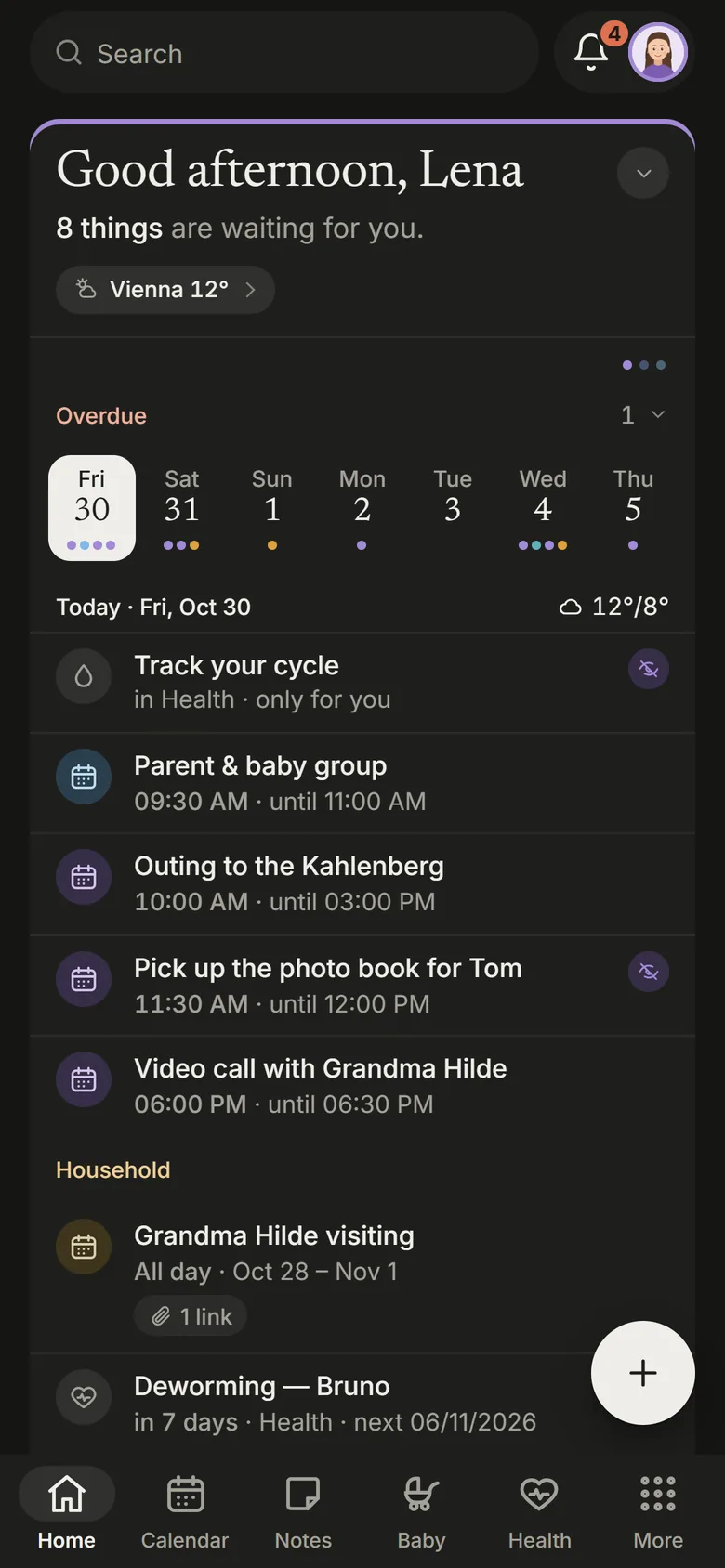
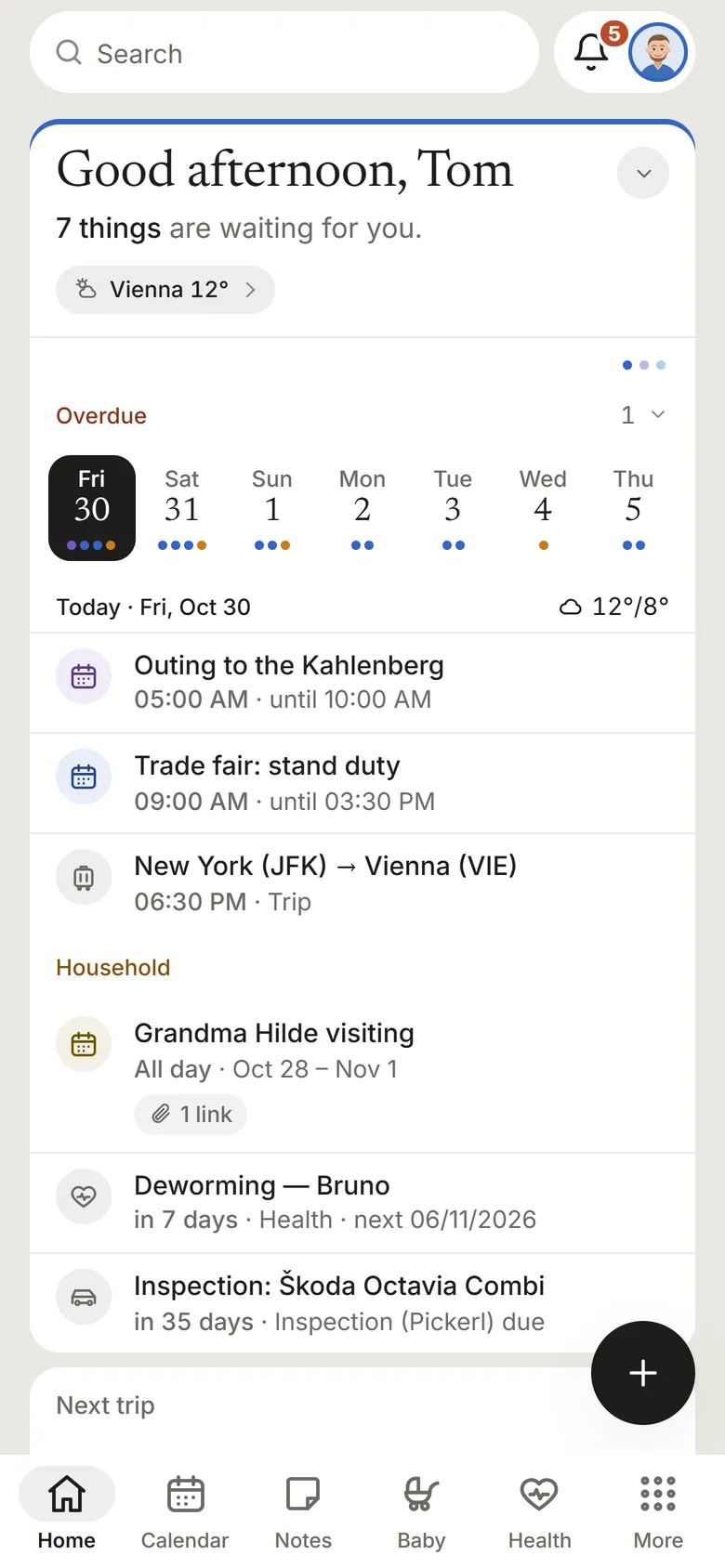
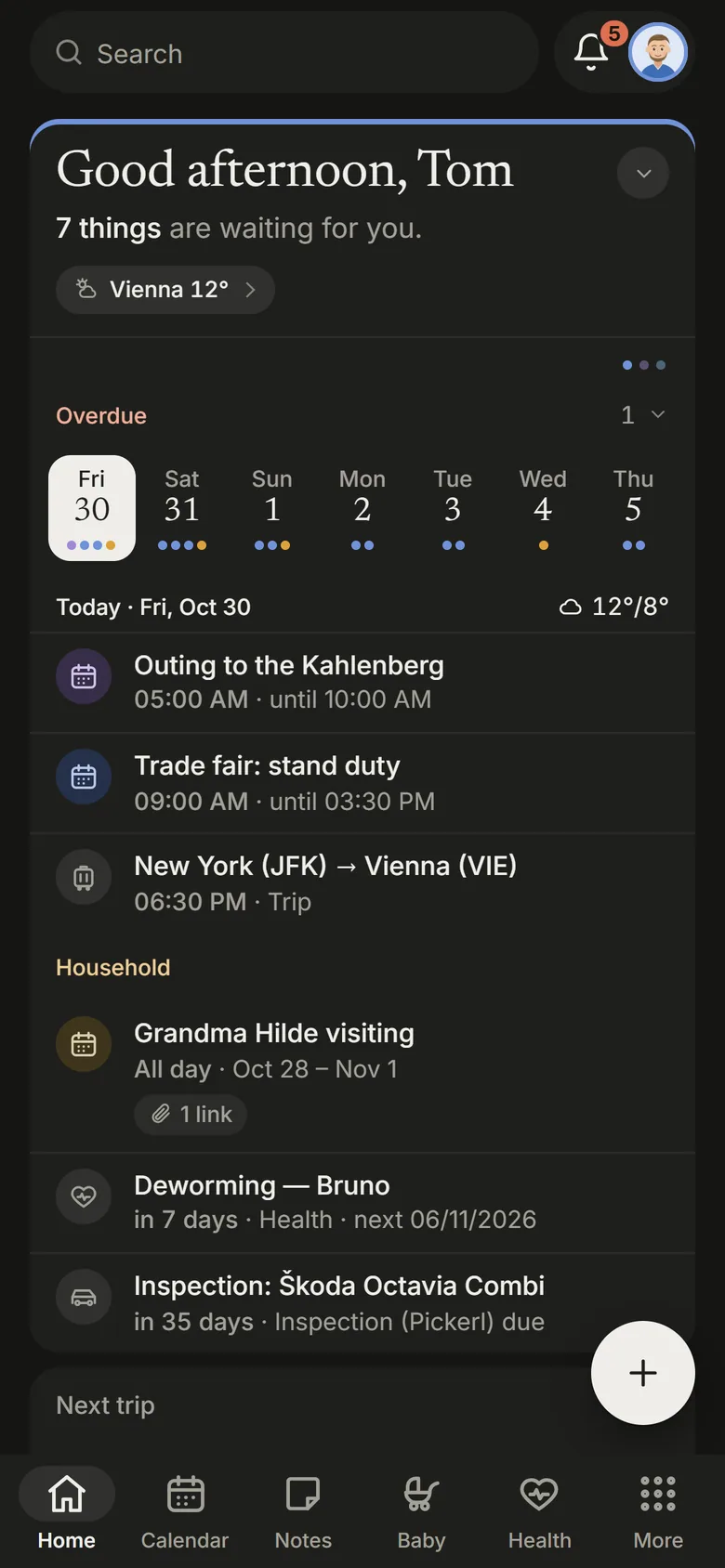
The morning mail tells Lena her day: the outing to the Kahlenberg at 10, a video call with Grandma at 6 pm, and Tom is cooking Kaiserschmarrn.
Nursing in the dark. Lena taps “Now”; the app has remembered the side and suggests the other one. No time wheel, no light.
No signal in the supermarket. Tom’s list is there anyway. What he ticks off goes out exactly once, as soon as there’s signal again.
The bell reports “Winter tyres: book an appointment” for today, and that Bruno’s deworming is due on Monday.
Shopping for the week adds up five recipes and puts the ingredients on the list. The cooking date already says what Mila can’t have.
Guests are coming. They scan the Wi-Fi code from the vault. Lena secretly ticks off the climbing shoes on Tom’s wishlist, and Tom sees none of it.
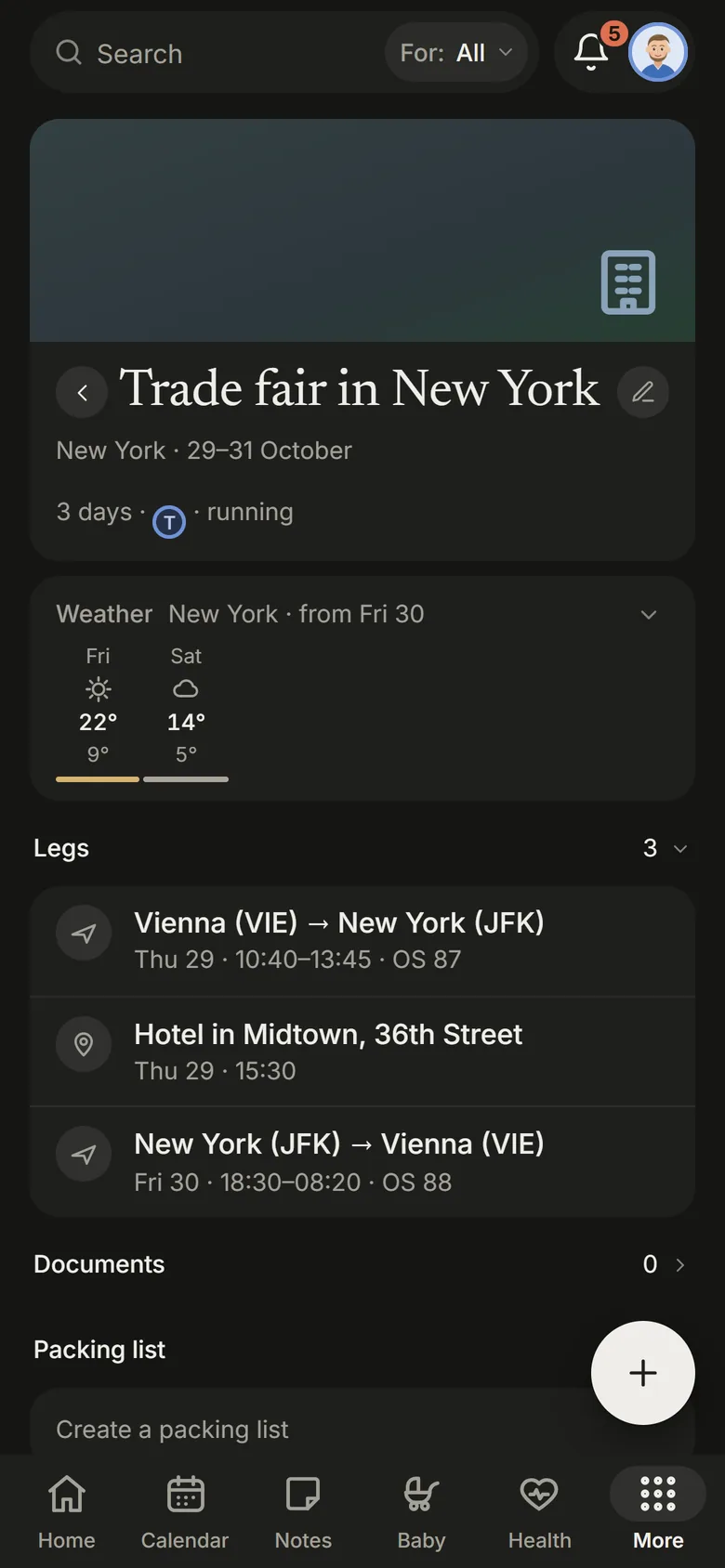
The bell asks: “What does your week look like?” The packing list for Salzburg is open, and the trip says which chores go undone in the meantime.
Example family, invented data.
On the go
Every time belongs to a place. josephine converts it into each phone’s own time, without anyone setting anything.
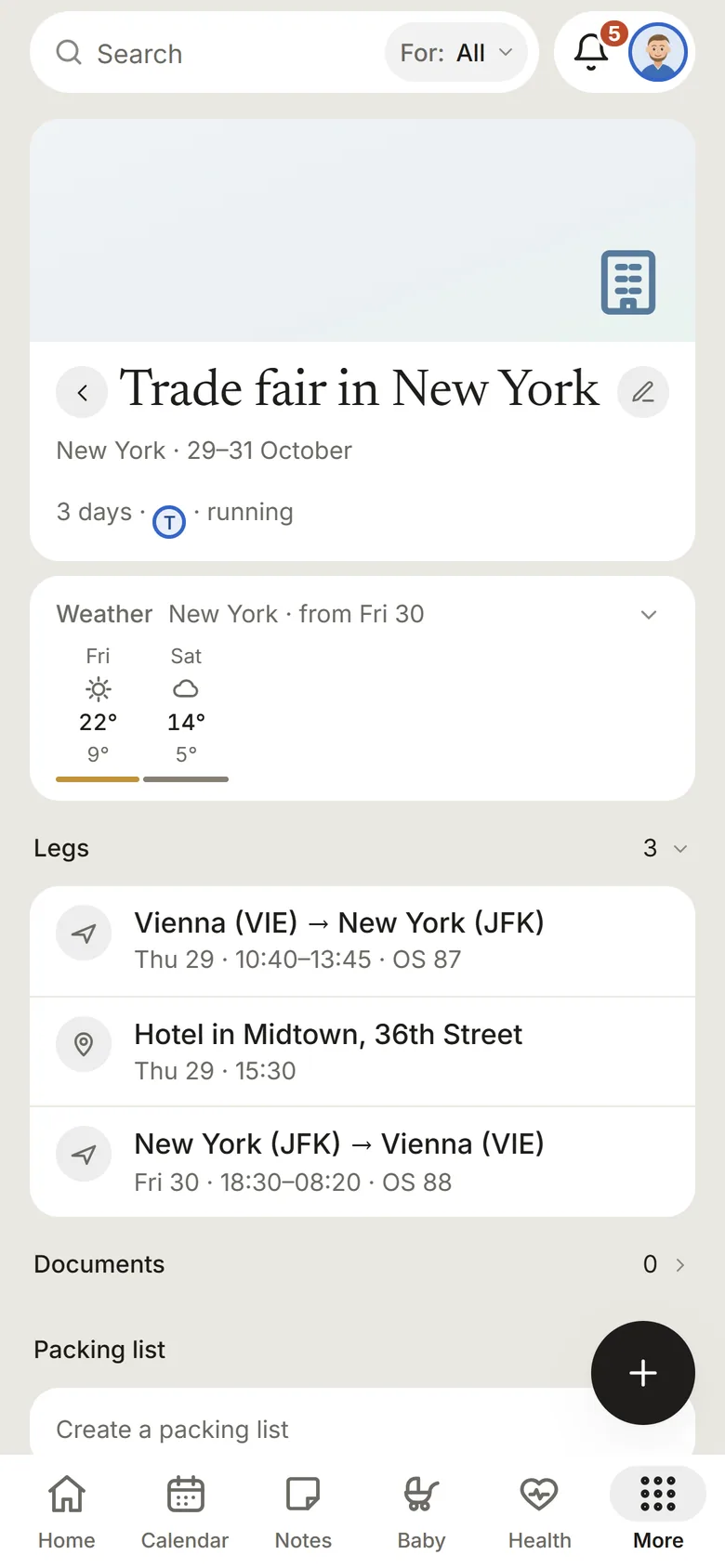
Little things
From the notice period and the renewal, with a reminder 30 and 7 days ahead.
A to-do remembers when it was ticked off. A chore also says who did it.
A bill only counts as open after the next working day. Weekends and public holidays don’t count.
“Now · −5 · −15 · −30 min”, even at 3 am with one hand.
Whoever buys it ticks it off. Whoever it’s for sees none of it.
Recipes from a link, scaled to other servings. Cooking mode keeps the phone awake.
As a QR code from the vault, or by a link that expires after an hour up to a week.
Grandma’s visit from Wednesday to Sunday shows on each of those days in “For you”.
The link is there as soon as you create it, to send on however you like.
A new rent applies from its day. The months before keep their old price.
In the supermarket with no signal. What you tick off goes out exactly once, as soon as there’s signal.
Nothing stays behind on the family tablet: no data, no queue.
Privacy
You don’t decide private or shared per account or per list, but for every single entry.
The server filters before sending. A private entry never reaches the other devices at all; it isn’t merely hidden there.
LLena’s phone
TTom’s phone
Notes, appointments, lists, files: “Household” or “Only me”, each time anew.
Not even in your own export file.
Your data stays in the EU, under the GDPR.
No third-party scripts. The server fetches weather and exchange rates, not your device.
Not even the operator can open your passwords.
Per person, checked by the server. No email names a medication or a check-up.
Bank statements are read only on the device. Only you see your income, and emails name no amounts.
Take everything with you as a file; delete your account or household in Settings.
Check it yourself. Open your browser’s developer console: this page and the app load only from our own server. No Google fonts, no counter, no pixel.
Always with you
Put josephine on your home screen once. After that it runs full screen, starts without a connection and quietly updates itself in the background.
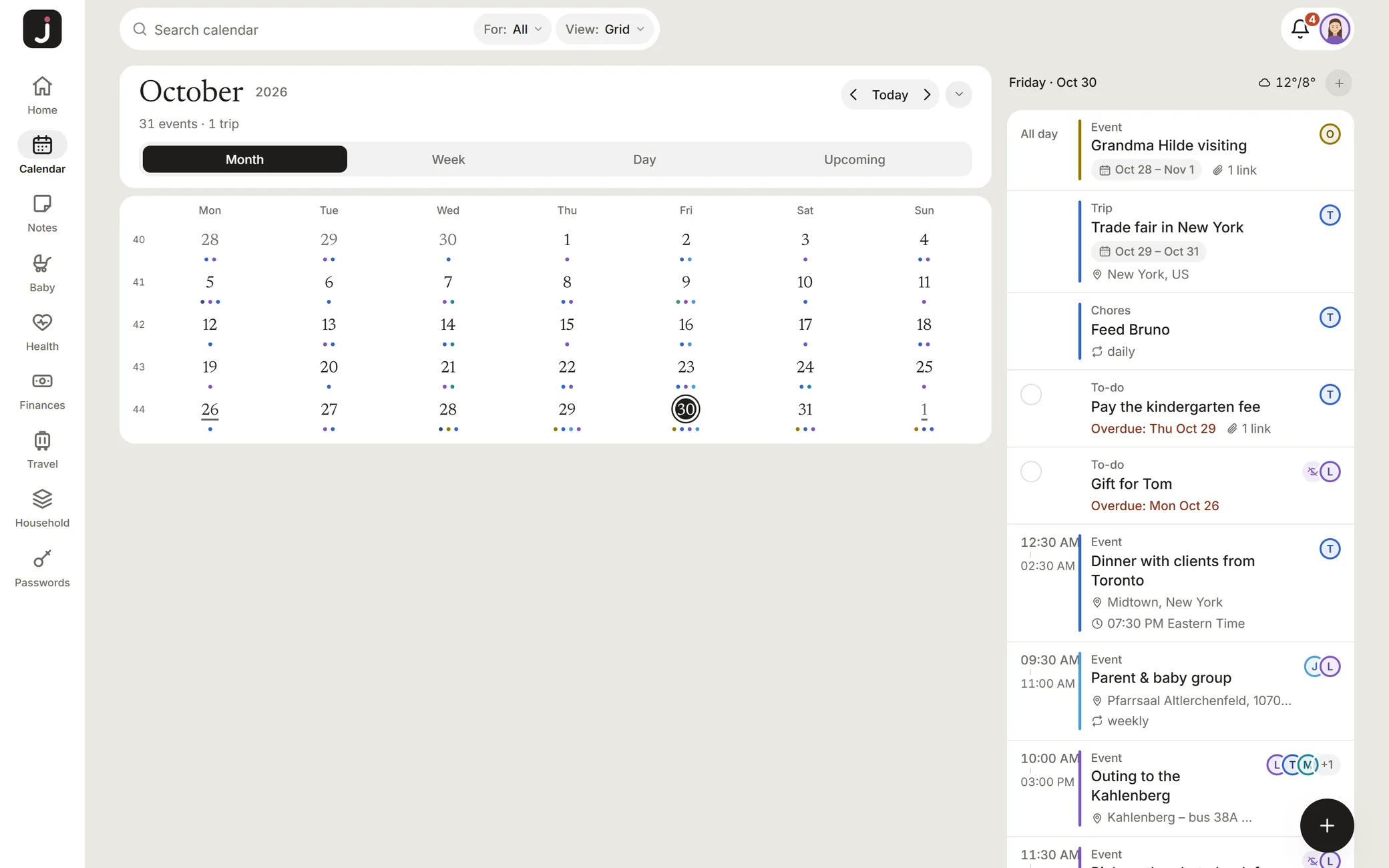
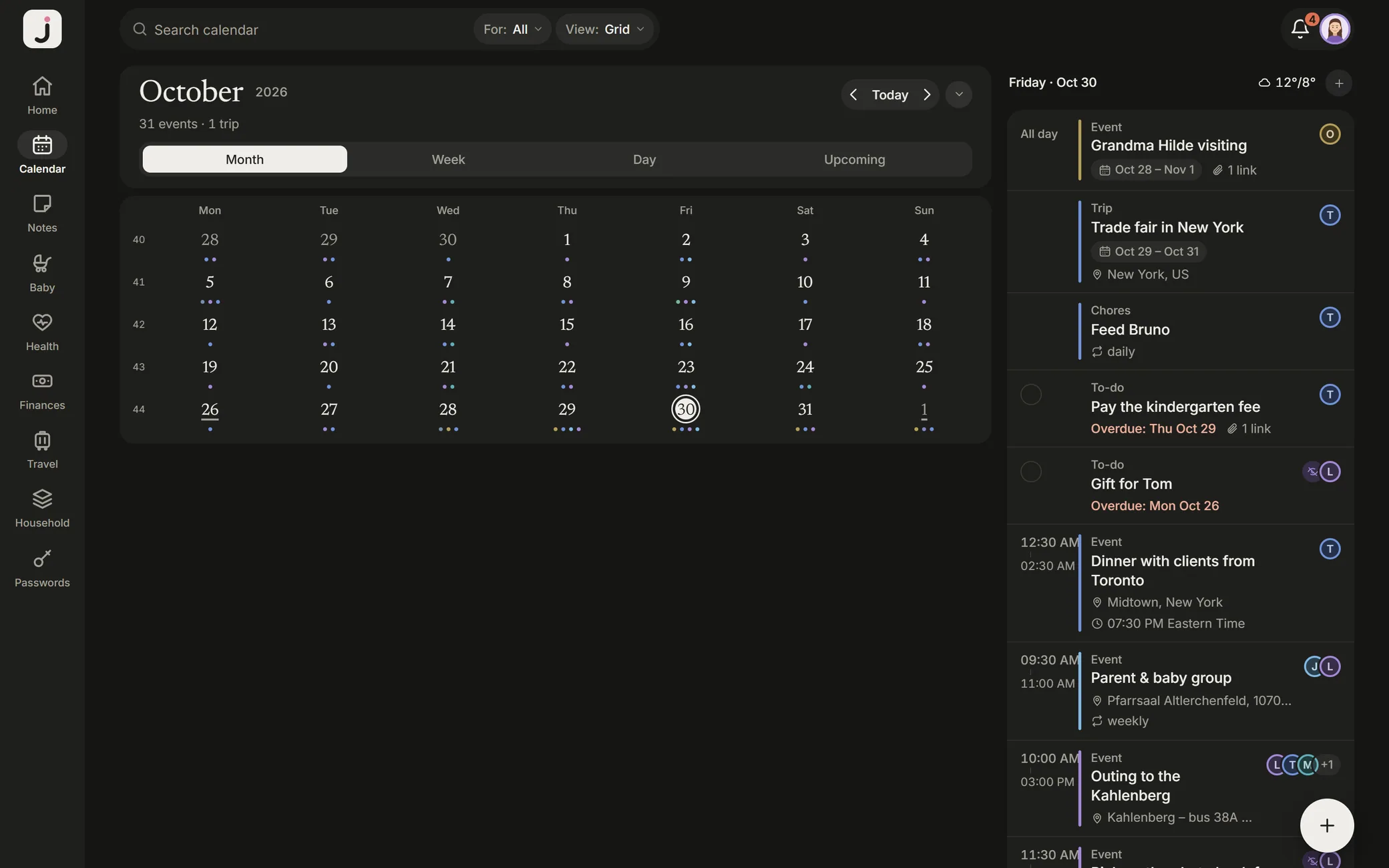
Offline. Everything syncs, exactly once. Nothing gets lost, nothing doubles.
Notifications on iPhone too, once josephine is on the home screen. By email as well, if you like.
Signing out cleans up the device. Important for the family tablet.
From Vienna
josephine started at our home, as a small project to bring order to our everyday life. First the calendar, then the most important thing: our daughter Josephine.
Since then the app has carried her name. The rosé dot in the logo is her dot from the app; every family member has one, in their own colour. Built by a father for his own household, not for advertisers.
Built in a real family. Used by a real family. For yours.Kristoffer · Vienna
Access
We take households on personally, so we can listen to each one. Here’s how you get in:
Write us a few lines about who you are and what you’d like to organise. Both are optional.
hallo@meetjosephine.appWrite an emailYou get a link. Open it, confirm your email, and you’re the admin of your household. The empty Home screen doubles as the setup: six steps that tick themselves off.
Up to six members with their own account. Children, grandparents and pets without an account go under Household.
During the trial nobody pays anything: no subscription, no credit card, no ads. Your household has access until 1 January 2028.
One version, everything included: every module, up to six members, 2 GB for photos and documents.
What josephine will cost after that isn’t decided yet. You’ll hear in good time beforehand and can export everything at any time.
Who pays? Later on, you, and nobody else. No ads, no selling of data.
Questions
Nothing today. Every household has access until 1 January 2028. The later price is still open and will be announced in good time beforehand.
By invitation: write to hallo@meetjosephine.app, or get invited by a household that’s already in.
For every entry you choose “Household” or “Only me”, and the server filters before sending. Your own health record and your cycle are for you alone. Not even the operator can open the password vault.
Not yet. Today josephine installs through the browser on iPhone, Android and computer. Apps for the App Store and Google Play are in the works.
Yes. Outlook and iCloud sync both ways: Outlook reports changes instantly, iCloud about every five minutes. On top of that come calendar subscriptions by address and a link of your own for any calendar app.
Yes. The app starts without a connection; changes wait on the device and go out exactly once, as soon as there’s a connection again. Photos and documents are stored on every device.
Deliberately not. You import your bank statement file, and it’s read only on your device.
Yes. In Settings you export everything as a file and the calendar as ICS. You delete your account or the whole household there yourself, confirmed with your password. If access runs out, everything stays readable; after 60 days a warning email comes, after 90 days the data is deleted.
Up to six members with their own account. Anyone who doesn’t need an account, such as children, grandparents or pets, goes under Household.
German, English and French, including emails, reminders and PDFs. Every member picks their own.